

Best picks
Best Robot Vacuums for Multiple Floors
Maps, Carrying and Docks
Choose a robot vacuum for multiple floors with verified map limits, carrying instructions and dock trade-offs. Compare vacuum-only and mop-care setups for home.
By thisSWEEP EditorialUpdated November 5, 20268 min read3 picks
On this page · The short answer
The short answer
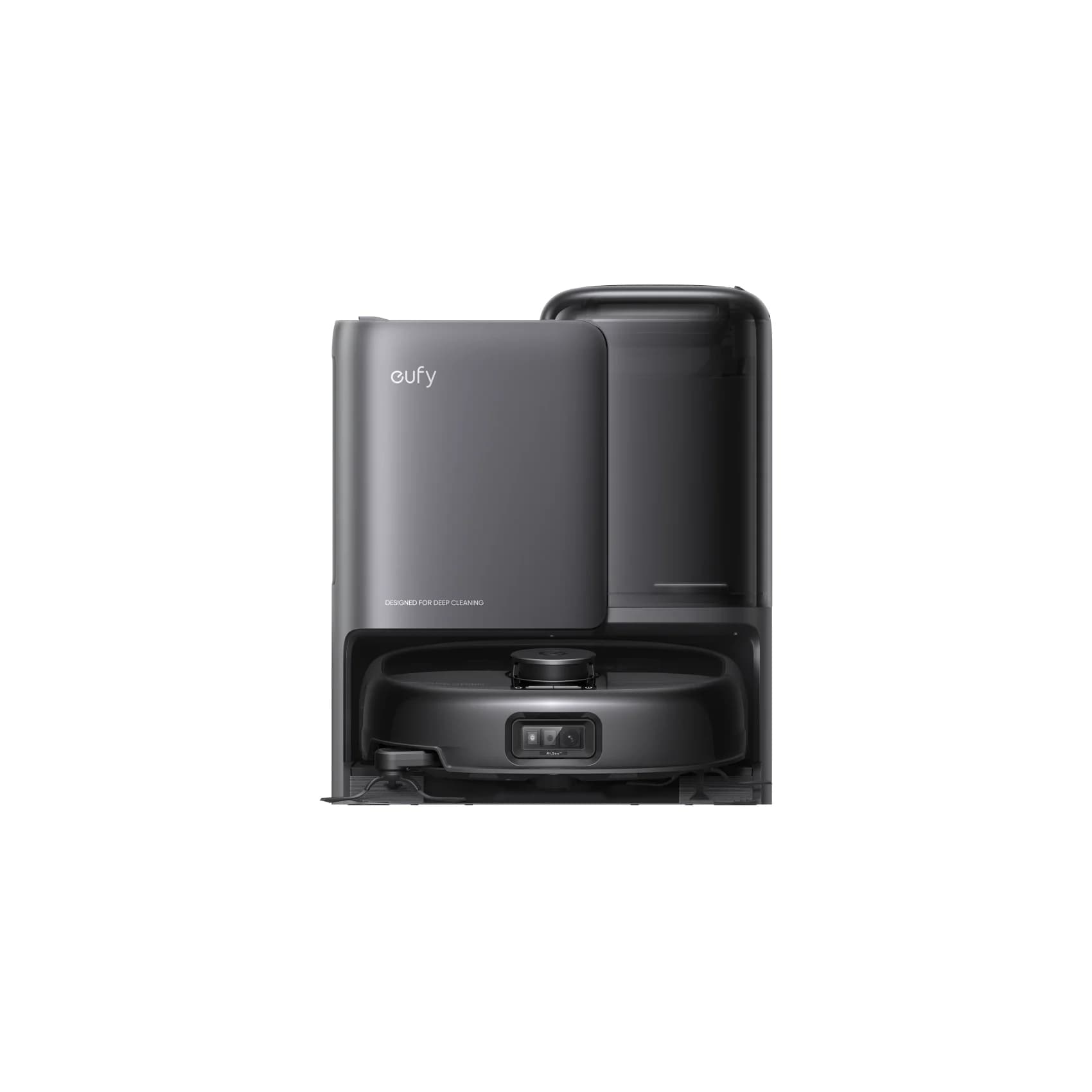
eufy · T2353
Robot Vacuum Omni E25
- Robot height (maker)
- 112 mm
- Mop system
- roller
- Navigation
- LiDAR
- Check
- The maker recommends no-go zones for carpets thicker than about 26 mm and for very light or thin rugs, so thick carpet is a weak fit
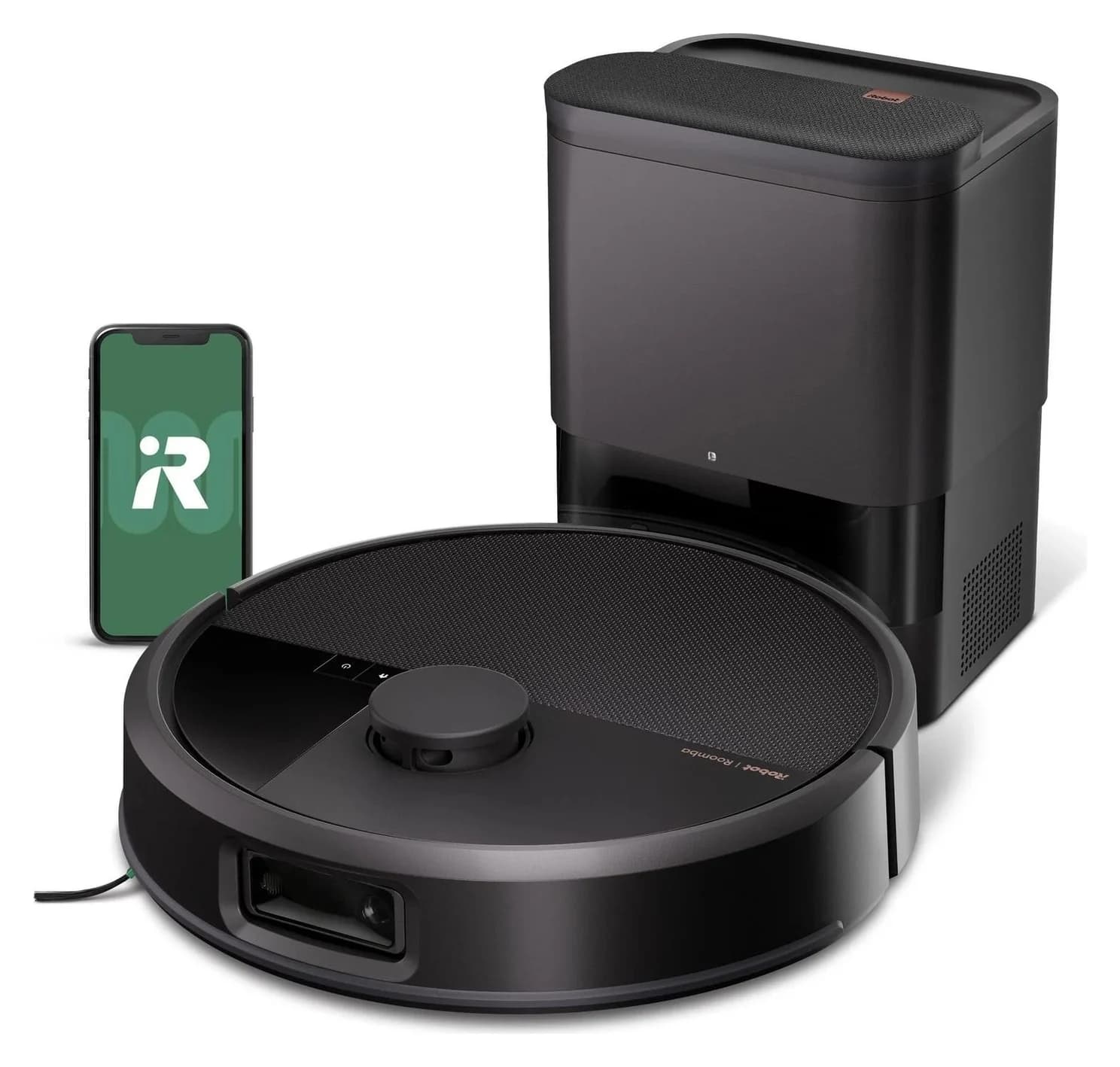
iRobot · W255020
iRobot Roomba Max 715 Vac Robot + AutoEmpty Dock
- Check
- Vacuum only: no mopping system or water tanks
In the box: 1 Roomba Max 715 Vac robot, 1 715 AutoEvac dock, 1 line cord, 1 extra active-carbon AutoEmpty bag, 1 extra regular filter
Roomba Plus 575 Combo + 575 AutoWash Dock
- Check
- The published 10 mm mop lift does not establish clearance over your particular rug.
The eufy Omni E25 is our pick for carrying a vacuum-mop between floors: eufy documents five saved maps and a procedure for mopping away from its station. Choose Roomba Max 715 Vac for a vacuum-only shortlist, or a resident robot and matching dock on each floor for regular mopping without carrying it back for servicing. These are manually moved setups, not stair-climbing recommendations.
As an Amazon Associate, thisSWEEP earns from qualifying purchases. Exact Amazon offers remain unverified, so our purchase links go to the manufacturers. Research checked November 3, 2026; recommendations reflect official documentation, not physical performance testing.
Quick picks
- Best documented carried combo: eufy Omni E25. Five saved maps, with explicit instructions for mapping and mopping on a floor without the station.
- Best without a mop: Roomba Max 715 Vac + AutoEmpty Dock, W255020. Five maps and dry-debris emptying; dockless return behavior remains unconfirmed.
- Best for a resident mop setup: Roomba Plus 575 Combo + 575 AutoWash Dock, R285020. Rotating pads with dock washing, drying and robot water refill. Our recommendation assumes the complete setup stays on its assigned floor.
Buy the arrangement before choosing the robot
The deciding question is how often you will carry the robot back for service, rather than how many maps appear in the app. Use this purchase matrix as our recommendation:
Occasional vacuuming on separate levels
- Arrangement to shortlist
- One carried vacuum-only robot; start with Max 715 Vac
- Work to budget for
- Moving the robot and returning it to its dock; confirm dockless behavior before purchase
Occasional mopping on another level
- Arrangement to shortlist
- One E25 and its station
- Work to budget for
- Pre-washing, carrying, possible water-service trips and carrying back afterward
Frequent mopping on separate levels
- Arrangement to shortlist
- A complete robot/dock package assigned to each floor
- Work to budget for
- Servicing each station's water tanks and cleaning hardware
Carpet upstairs, mop-approved hard floors downstairs
- Arrangement to shortlist
- Vacuum-only setup upstairs; a complete mop-care setup downstairs
- Work to budget for
- Matching each purchase to that floor's actual surfaces and dock space
Full comparison table
Swipe to compare. Row labels stay visible.
| Your floors and routine | Arrangement to shortlist | Work to budget for |
|---|---|---|
| Occasional vacuuming on separate levels | One carried vacuum-only robot; start with Max 715 Vac | Moving the robot and returning it to its dock; confirm dockless behavior before purchase |
| Occasional mopping on another level | One E25 and its station | Pre-washing, carrying, possible water-service trips and carrying back afterward |
| Frequent mopping on separate levels | A complete robot/dock package assigned to each floor | Servicing each station's water tanks and cleaning hardware |
| Carpet upstairs, mop-approved hard floors downstairs | Vacuum-only setup upstairs; a complete mop-care setup downstairs | Matching each purchase to that floor's actual surfaces and dock space |
Scroll horizontally to see every column
| Your floors and routine | Arrangement to shortlist | Work to budget for |
|---|---|---|
| Occasional vacuuming on separate levels | One carried vacuum-only robot; start with Max 715 Vac | Moving the robot and returning it to its dock; confirm dockless behavior before purchase |
| Occasional mopping on another level | One E25 and its station | Pre-washing, carrying, possible water-service trips and carrying back afterward |
| Frequent mopping on separate levels | A complete robot/dock package assigned to each floor | Servicing each station's water tanks and cleaning hardware |
| Carpet upstairs, mop-approved hard floors downstairs | Vacuum-only setup upstairs; a complete mop-care setup downstairs | Matching each purchase to that floor's actual surfaces and dock space |
For area coverage rather than floor transfers, use our robot vacuums for a large house guide. For a dry-cleaning shortlist, see robot vacuums without a mop.
Comparison: maps do not establish dock independence
Counts below are manufacturer claims. Unknown means the exact-model documentation did not establish it. An unconfirmed return point or map-selection procedure is worth checking with the maker before you buy.
E25, US black purchase
- Saved maps
- 5, with Multi-Map Saving enabled
- What is established away from its dock?
- Map another floor without moving the station; dockless cleaning ends at the starting point
- Dock-dependent care
- Carry back for water service and self-cleaning
Max 715 Vac, W255020
- Saved maps
- Up to 5
- What is established away from its dock?
- Family guide explains creating another map; exact dockless end behavior unknown
- Dock-dependent care
- AutoEmpty bag emptying
Plus 575 Combo, R285020
- Saved maps
- Up to 5
- What is established away from its dock?
- Separate-level maps stated; an exact dockless mop-service procedure unknown
- Dock-dependent care
- Pad washing/drying and robot water refill
Max 705 Vac, W155020
- Saved maps
- Up to 5
- What is established away from its dock?
- Family map-creation guidance; published robot weight is 7.5 lb
- Dock-dependent care
- AutoEmpty bag emptying
Plus 515 Combo, N285020
- Saved maps
- 3 on its product page; conflict below
- What is established away from its dock?
- Separate-level maps stated; dockless mop servicing unknown
- Dock-dependent care
- Pad washing/drying and robot water refill
Max 775 Combo, X285020
- Saved maps
- Up to 5
- What is established away from its dock?
- Exact dockless mop-service procedure unknown
- Dock-dependent care
- Roller washing/drying and robot water refill
Saros 10R, US tank-dock bundle
- Saved maps
- Unknown
- What is established away from its dock?
- Manual warns manual relocation can require placing it back on the dock
- Dock-dependent care
- Automatic mop washing requires a dock start and mapped dock
Full comparison table
Swipe to compare. Row labels stay visible.
| Exact package | Saved maps | What is established away from its dock? | Dock-dependent care |
|---|---|---|---|
| E25, US black purchase | 5, with Multi-Map Saving enabled | Map another floor without moving the station; dockless cleaning ends at the starting point | Carry back for water service and self-cleaning |
| Max 715 Vac, W255020 | Up to 5 | Family guide explains creating another map; exact dockless end behavior unknown | AutoEmpty bag emptying |
| Plus 575 Combo, R285020 | Up to 5 | Separate-level maps stated; an exact dockless mop-service procedure unknown | Pad washing/drying and robot water refill |
| Max 705 Vac, W155020 | Up to 5 | Family map-creation guidance; published robot weight is 7.5 lb | AutoEmpty bag emptying |
| Plus 515 Combo, N285020 | 3 on its product page; conflict below | Separate-level maps stated; dockless mop servicing unknown | Pad washing/drying and robot water refill |
| Max 775 Combo, X285020 | Up to 5 | Exact dockless mop-service procedure unknown | Roller washing/drying and robot water refill |
| Saros 10R, US tank-dock bundle | Unknown | Manual warns manual relocation can require placing it back on the dock | Automatic mop washing requires a dock start and mapped dock |
Scroll horizontally to see every column
| Exact package | Saved maps | What is established away from its dock? | Dock-dependent care |
|---|---|---|---|
| E25, US black purchase | 5, with Multi-Map Saving enabled | Map another floor without moving the station; dockless cleaning ends at the starting point | Carry back for water service and self-cleaning |
| Max 715 Vac, W255020 | Up to 5 | Family guide explains creating another map; exact dockless end behavior unknown | AutoEmpty bag emptying |
| Plus 575 Combo, R285020 | Up to 5 | Separate-level maps stated; an exact dockless mop-service procedure unknown | Pad washing/drying and robot water refill |
| Max 705 Vac, W155020 | Up to 5 | Family map-creation guidance; published robot weight is 7.5 lb | AutoEmpty bag emptying |
| Plus 515 Combo, N285020 | 3 on its product page; conflict below | Separate-level maps stated; dockless mop servicing unknown | Pad washing/drying and robot water refill |
| Max 775 Combo, X285020 | Up to 5 | Exact dockless mop-service procedure unknown | Roller washing/drying and robot water refill |
| Saros 10R, US tank-dock bundle | Unknown | Manual warns manual relocation can require placing it back on the dock | Automatic mop washing requires a dock start and mapped dock |
The Saros is a comparison candidate: Roborock's US store page says “Out of stock, coming soon!” Its US manual does not supply a saved-map limit. We have not assigned it another Roborock's capacity.
Best documented carried combo: eufy Omni E25
Choose the E25 if occasional station trips are acceptable. Its multi-floor instructions explicitly cover leaving the station behind. Running out of water can change the job to vacuum-only; do not mistake a saved map for an uninterrupted mop run.
Check the purchase identity carefully: the US page's address uses t2353111, while the page's purchasing data selects black SKU T2353112. We have not established a physical revision difference. Standard E25, E25 with accessories and white E25 are separate choices. Eufy's app guide says E25 lacks E28's portable deep cleaner, yet the white option's scripted description mentions one. Verify that option's contents separately; do not assume the attachment is included.
Check the E25 package with eufy
Best without a mop: Roomba Max 715 Vac
The Max 715 pairs five-map storage, dual rubber brushes and an AutoEmpty dock, making it our dry-cleaning choice. Its exact package is W255020; the title calls the dock AutoEmpty while the box list calls it 715 AutoEvac. Match the complete package rather than ordering a station by name alone.
iRobot's ClearView guide says to bring the robot into a separate space and tap + to create a map. It does not establish this SKU's dockless finishing location or automatic floor recognition. Its product page also repeats the dock dimensions as the robot dimensions; robot fit remains unconfirmed. Max 705 Vac is the alternative with a published 7.5 lb robot weight, but that weight must not be transferred to Max 715.
Check the W255020 package with iRobot
Best for a resident mop setup: Roomba Plus 575 Combo
Choose R285020 when you want rotating pads and automatic dock servicing on the same level. Its 575 AutoWash station empties debris, washes and dries pads, dispenses solution and refills the robot. Water tanks and brushes still need care. For separate levels needing this routine, our recommendation is complete systems assigned to each floor. iRobot lists the robot at 9.44 lb and 4.2 inches high; check furniture fit and your willingness to carry it.
The published 10 mm mop lift does not establish clearance over your particular rug. The Max 775 alternative uses a roller instead of rotating pads, but a roller does not resolve upstairs servicing. Its page also describes a protective carpet cover while its FAQ says it avoids carpets in mopping modes; confirm the intended route before choosing it for mixed floors.
Check the R285020 package with iRobot
How to carry the E25 between floors
Eufy's instructions confirm manual map creation and return to the starting point. They do not specify automatic recognition of an existing floor or the exact existing-map selection sequence. Before requesting rooms, check that the displayed floor, room names and boundaries match where you placed it; do not assume that moving it has selected the right map.
Save separate maps
Enable Multi-Map Saving in Map Management. Move the robot to the new floor and choose Create Map; leave doors open and do not pick it up during mapping.
Prepare the roller
Wash the mop at the station before carrying the robot to the floor you want to mop.
Allow for a service trip
Eufy recommends low water and suction settings; carry it back for water replenishment during the task if needed.
Return it after cleaning
It returns to its starting point. Carry it back to the station for self-cleaning.
Source: eufy's E25/E28 multi-floor procedure. Turning Multi-Map Saving off makes a new map replace the current one. The support page calls the app Anker eufy, while the product FAQ still calls it eufy Clean; follow the controls available for your installed app and model.
Check every floor and the complete dock space
Furniture: eufy's comparison lists an E25 body height of 111 mm, but its product guidance asks for no-go zones beneath furniture lower than 116 mm. Use the operating guidance, not just the body height. Full E25 station placement and overhead service clearances remain unconfirmed in eufy's published documentation.
Thresholds and rugs: E25's 21 mm and Plus 575's 35 mm climbing claims do not specify the threshold profile. Measure both faces, the gap and approach before seeking a match. Eufy directs short-pile carpet cleaning to vacuum-only and medium/long pile to avoidance; it also warns dark carpets may not be detected. Its 10.8 mm lift is a mechanism specification, not proof that a rug stays dry. Sources: E25-specific comparison column, E25 care FAQ and 575 specifications.
Dock and water access: iRobot specifies hard-floor placement at least 4 feet from stairs, with entry/exit space. Saros 10R's manual reserves at least 0.75 m height, 0.4 m width and 1.2 m depth—a service envelope, not merely the dock footprint. Check tank removal, bag access and a practical route to refill and empty water. Follow your floor maker's wet-cleaning restrictions before assigning a mop routine.
A second dock needs its own compatibility check
iRobot's family guide suggests another charging station when a dock would otherwise move frequently. That does not identify a compatible second AutoWash or AutoEmpty station for these exact packages. Saros 10R's US manual names EWFD28LRR as its docking station; a named match still does not establish operation with stations on separate floors.
No extra station is recommended here: exact second-base operation and a qualifying package remain unverified. Compare complete systems if you need dock services on each floor. Before buying, use this checklist:
- Yes: Match the robot, included dock, US electrical version and condition
- Yes: Distinguish the standard package from accessory bundles and other colors
- Yes: Check exact bags, filters, pads or rollers against the selected model
- Partly: Confirm floor selection and return behavior before depending on a carried routine
- Partly: Verify second-base operation before buying an additional station
Compare the included consumables and replacement part identifiers, rather than assuming an annual replacement cost or that parts fit across a brand. Store purchase, rental and accessory choices should be checked separately; none establishes a paid-plan requirement for ordinary cleaning.
How we choose
We prioritize exact-model map documentation, carrying instructions, dock dependence and home fit. Official product pages, support instructions and manuals supply the facts; missing procedures and conflicting claims remain visible. These are purchase recommendations based on documented features, with no independent pickup, navigation or rug-dryness measurements. See our disclosure.
Verdict
Choose E25 for its documented carried mopping procedure, Max 715 Vac W255020 for a vacuum-only shortlist once fit and dockless behavior are confirmed, and Plus 575 Combo R285020 with its 575 AutoWash dock for a resident mop-care setup. If regular water-service trips would be a burden, buy complete setups assigned to the relevant floors. Leave a second dock off the order until its exact operation is verified.
Frequently asked questions
Can one robot vacuum clean two floors?
Yes, with manual carrying between levels. For example, eufy documents up to five saved maps for the E25 and says you can map another floor without moving its station. After a dockless cleaning run, it returns to its starting point; you carry it back for station servicing. Choose separate complete systems if carrying and arranging those returns would defeat the convenience you want.
Does a robot vacuum need a base on every floor?
The E25 does not need its station on every floor to create maps or follow eufy's documented carried mopping procedure. Wash its roller at the station first, and carry it back for water replenishment when needed and self-cleaning afterward. That is a different arrangement from automatic dock servicing upstairs. We have not verified an extra station and its operation as a second base for these exact packages.
How many floor maps can these Roombas save?
The exact US product pages state up to five maps for Max 705 Vac, Max 715 Vac, Plus 575 Combo and Max 775 Combo. Plus 515 Combo's page states three, while iRobot's family support table lists five for Plus 500 Combo. That conflict remains unresolved: plan around the 515 page's lower claim until iRobot confirms the capacity for your exact unit and firmware.
What happens when the E25 runs out of water upstairs?
According to eufy's E25/E28 multi-floor instructions, it switches to vacuum-only if its tank empties and is not promptly refilled at the station. The same instructions recommend low water and suction settings when mopping away from the station and allow carrying it back for replenishment during the task. Do not plan a whole-floor mop run around an assumed onboard water capacity or unattended refill.
Will a multi-floor robot vacuum climb stairs?
These recommendations require carrying the robot between separate levels or keeping a complete setup on each level. Eufy's E25 instructions explicitly tell you to move the robot to the other floor; iRobot similarly tells you to bring the robot into a separate space to map it. Saved maps describe remembered layouts. A doorway threshold claim should never be used as evidence of stair-climbing capability.

Related guides
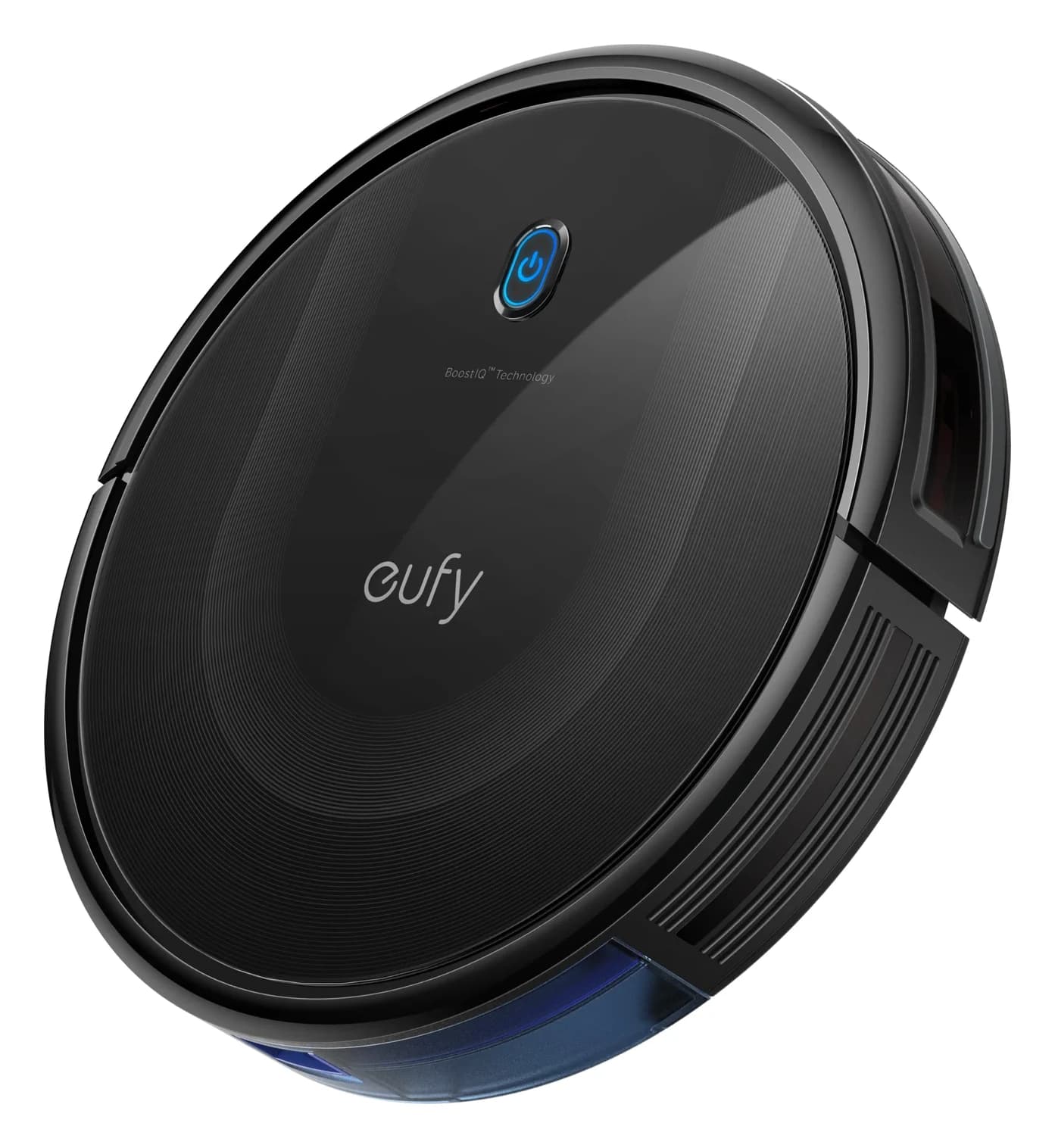
Explainer · Robot Vacuums
Are Robot Vacuums Worth It? Work Out the Cost and Remaining Chores
Decide whether a robot vacuum is worth buying with a cost and care worksheet. Compare manual emptying, bagged docks, bagless bases and mop-washing systems.
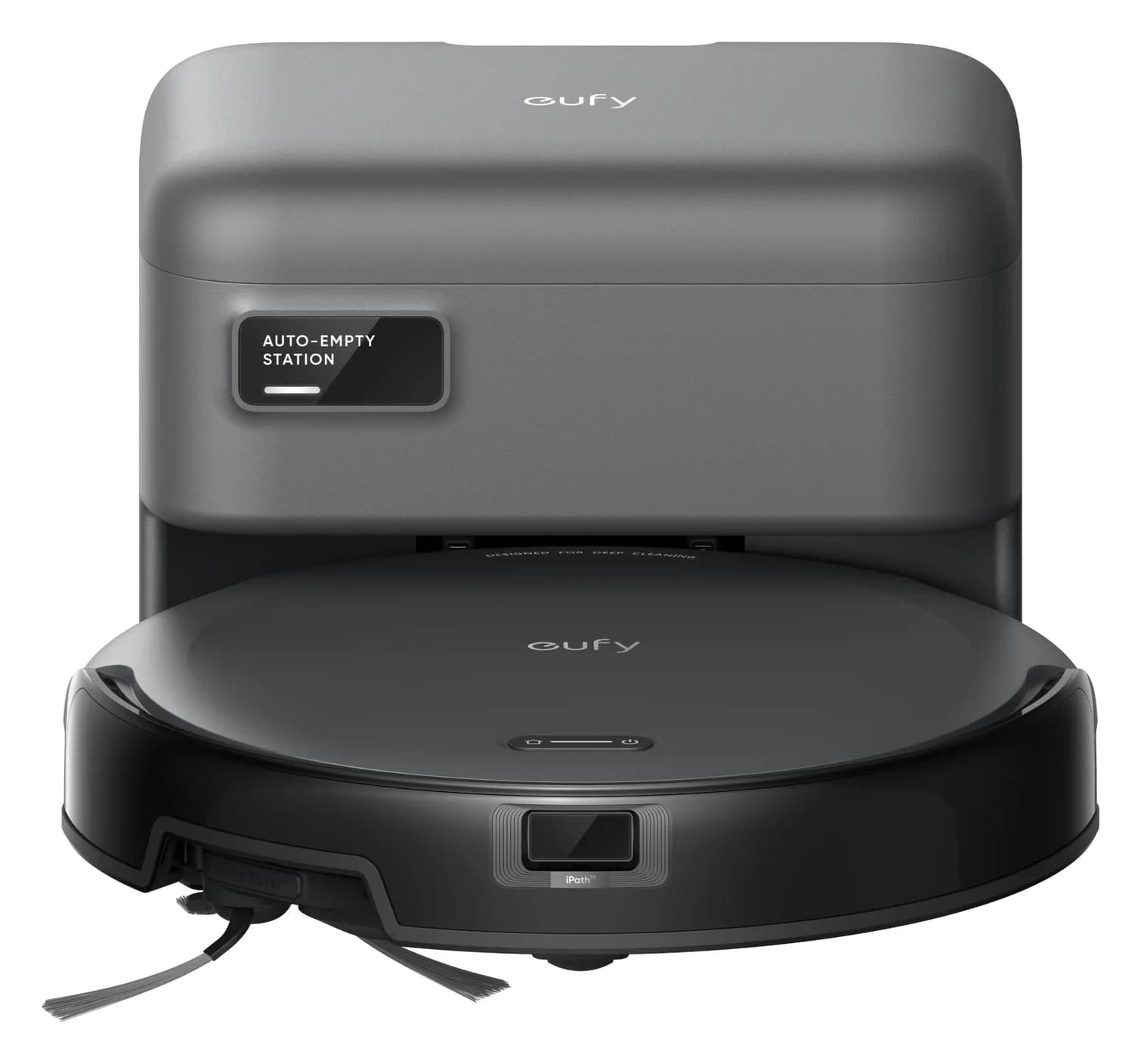
Best picks · Robot Vacuums
Best Robot Vacuums for Dark Floors: Buy by Verified Floor Fit
Choose a robot vacuum for dark floors with exact-model evidence, clear candidate comparisons, black-rug warnings and a practical floor-fit purchase checklist.
Best picks · Robot Vacuums
Best Robot Vacuums for Cat Litter: Dry Scatter and Easy Emptying
Choose a robot vacuum for dry cat litter with clear picks, scatter-evidence limits, bagged vs bagless upkeep, floor-fit checks and exact package buying advice.