

Explainer
Roborock Q10 S5, S5+ and X5+
Which Dock Package Fits?
Choose the right Roborock Q10 S5+ or X5+ package: compare mopping, included docks, clearance, upkeep and exact replacement bags, filters, brushes and pads.
By thisSWEEP EditorialUpdated November 6, 20268 min read1 pick
Our recommendation: Roborock Q10 S5+ (RR-Q10S5Plus5-M2 Black / RR-Q10S5Plus0-M1 White)
our pick for vibrating mopping
Limit: No camera-based obstacle recognition is documented; Reactive Tech is sensor-based
On this page · Quick picks and the exact-package comparison
For a Roborock Q10 S5 robot vacuum and mop with auto-empty dock, choose the complete Q10 S5+ package: it is our starting pick when you want vibrating mopping and automatic dust disposal. Choose the Q10 X5+ if an auto-lifting mop meets your needs; both Plus packages include an auto-empty dock. Buy the Plus package from the outset: Roborock says the base S5 and X5 robots cannot auto-empty even on their corresponding Plus docks. Official S5+ package, X5+ package and base-model compatibility FAQ.
Quick picks and the exact-package comparison
Best starting pick: S5+. Choose it for VibraRise 2.0 vibration. Alternative: X5+. Choose it when an auto-lifting pad is sufficient. Skip both if your priority is having the station wash and dry the mop; the manuals prescribe manual cloth care.
Compare specifications and all conditions
Q10 S5
- Mop mechanism
- VibraRise 2.0 vibrating pad
- Published mop lift
- 8 mm
- Included station
- Charging dock
All specifications
- Auto-emptying purchase?
- No; base robot cannot auto-empty on S5+ dock
Roborock Q10 S5+ / Q10 S5 Plus
- Mop mechanism
- VibraRise 2.0 vibrating pad
- Published mop lift
- 8 mm
- Included station
- Auto-empty dock
All specifications
- Auto-emptying purchase?
- Yes; starting pick for vibration
Q10 X5
- Mop mechanism
- Automatic lift mop module
- Published mop lift
- 8 mm
- Included station
- Charging dock
All specifications
- Auto-emptying purchase?
- No; base robot cannot auto-empty on X5+ dock
Roborock Q10 X5+ / Q10 X5 Plus
- Mop mechanism
- Automatic lift mop module
- Published mop lift
- 8 mm
- Included station
- Auto-empty dock
All specifications
- Auto-emptying purchase?
- Yes; alternative for lifting
Full comparison table
Swipe to compare. Row labels stay visible.
| Exact US package label | Mop mechanism | Published mop lift | Included station | Auto-emptying purchase? |
|---|---|---|---|---|
| Q10 S5 | VibraRise 2.0 vibrating pad | 8 mm | Charging dock | No; base robot cannot auto-empty on S5+ dock |
| Roborock Q10 S5+ / Q10 S5 Plus | VibraRise 2.0 vibrating pad | 8 mm | Auto-empty dock | Yes; starting pick for vibration |
| Q10 X5 | Automatic lift mop module | 8 mm | Charging dock | No; base robot cannot auto-empty on X5+ dock |
| Roborock Q10 X5+ / Q10 X5 Plus | Automatic lift mop module | 8 mm | Auto-empty dock | Yes; alternative for lifting |
Scroll horizontally to see every column
| Exact US package label | Mop mechanism | Published mop lift | Included station | Auto-emptying purchase? |
|---|---|---|---|---|
| Q10 S5 | VibraRise 2.0 vibrating pad | 8 mm | Charging dock | No; base robot cannot auto-empty on S5+ dock |
| Roborock Q10 S5+ / Q10 S5 Plus | VibraRise 2.0 vibrating pad | 8 mm | Auto-empty dock | Yes; starting pick for vibration |
| Q10 X5 | Automatic lift mop module | 8 mm | Charging dock | No; base robot cannot auto-empty on X5+ dock |
| Roborock Q10 X5+ / Q10 X5 Plus | Automatic lift mop module | 8 mm | Auto-empty dock | Yes; alternative for lifting |
Sources: Roborock's US series comparison, S5 box contents and FAQ, X5 box contents and FAQ, and the Plus package pages above. “Plus” in the store URL corresponds to “+” in its product title. The missing-plus search wording is therefore ambiguous: S5 is also a real base package. X5+ is a separately documented US product, not an S5+ alias.
Q10 S5+: our pick for vibrating mopping
The S5+ combines VibraRise 2.0 vibration and mop lifting with an auto-empty dock. The base S5 has the same mopping system with a charging dock. The series page specifies 3,000 vibrations per minute, based on Roborock's internal testing. That mechanism is the reason to choose it over the X5+; this is a specification-based recommendation, not a measured stain-removal comparison.
The US manual linked from the S5+ store page identifies robot RRA0TAL and auto-empty dock AED09LRR, rated 120 V, 60 Hz. Match those labels when checking a US replacement or unfamiliar bundle. Its advertised 10,000 Pa suction is a maker claim, not evidence that it cleans better than the X5+.
Roborock lists the robot, auto-empty dock, VibraRise mop, mop module, moisture-proof mat, power cord and documentation in the box. Its manual also identifies a disposable dust bag; the store's box list does not establish a spare-bag quantity. Confirm extras rather than assuming a replacement kit is included.
Buy it if: vibration is worth choosing and you accept filling the tank and washing the cloth yourself. Pass if: you need automatic mop washing or confirmed high-pile carpet suitability. Check the complete US S5+ package at Roborock.
Q10 X5+: the alternative when lifting is enough
The X5+ manual calls its mechanism an Automatic Lift Mop Module; it does not identify the S5's VibraRise vibration module. Both models have a published 8 mm mop lift. Choose between those mechanisms before comparing offers, rather than treating X5+ as another spelling of S5+.
The US manual linked from the X5+ page identifies robot RRA1TAL, with the same documented AED09LRR auto-empty dock and 120 V, 60 Hz rating. The X5+ page advertises 10,000 Pa in Max+ mode with a full battery. It lists PreciSense LiDAR navigation and structured-light Reactive Tech obstacle avoidance; the manual still tells you to clear cords and loose items.
Its box list includes the robot, auto-empty dock, mop module, mop, moisture-proof mat, power cord and documentation. Buy it if: a lifting pad fits your routine. Pass if: vibration or automatic cloth care is essential. Check the complete US X5+ package at Roborock.
Check furniture, thresholds, rugs and floor finish
Roborock's series page publishes 353 × 353 × 99 mm robot dimensions for both packages. These are published dimensions, not guaranteed operating clearance. Measure the lowest furniture point and the route underneath; a gap matching the published height is not a confirmed fit.
Furniture
- Official information
- Robot height is 99 mm; Roborock does not specify any additional operating margin
- Purchase decision
- Get clearance confirmation if the fit is close
Thresholds
- Official information
- Base-model FAQs discuss mop lifting at thresholds <2 cm when slipping or stuck
- Purchase decision
- This is not a guaranteed vertical-step rating; confirm your threshold's shape and approach
Rugs
- Official information
- Both have 8 mm claimed lift; US manuals say not to use on high-pile carpets
- Purchase decision
- Keep unsuitable rugs outside the cleaning route; lift does not promise a dry rug
Wooden floors
- Official information
- Manuals require the moisture-proof mat on wooden floors
- Purchase decision
- Check your flooring maker's wet-care rules before enabling mopping
Clutter
- Official information
- Manuals require cords and loose items to be cleared
- Purchase decision
- Plan floor preparation despite obstacle avoidance
Full comparison table
Swipe to compare. Row labels stay visible.
| Home check | Official information | Purchase decision |
|---|---|---|
| Furniture | Robot height is 99 mm; Roborock does not specify any additional operating margin | Get clearance confirmation if the fit is close |
| Thresholds | Base-model FAQs discuss mop lifting at thresholds <2 cm when slipping or stuck | This is not a guaranteed vertical-step rating; confirm your threshold's shape and approach |
| Rugs | Both have 8 mm claimed lift; US manuals say not to use on high-pile carpets | Keep unsuitable rugs outside the cleaning route; lift does not promise a dry rug |
| Wooden floors | Manuals require the moisture-proof mat on wooden floors | Check your flooring maker's wet-care rules before enabling mopping |
| Clutter | Manuals require cords and loose items to be cleared | Plan floor preparation despite obstacle avoidance |
Scroll horizontally to see every column
| Home check | Official information | Purchase decision |
|---|---|---|
| Furniture | Robot height is 99 mm; Roborock does not specify any additional operating margin | Get clearance confirmation if the fit is close |
| Thresholds | Base-model FAQs discuss mop lifting at thresholds <2 cm when slipping or stuck | This is not a guaranteed vertical-step rating; confirm your threshold's shape and approach |
| Rugs | Both have 8 mm claimed lift; US manuals say not to use on high-pile carpets | Keep unsuitable rugs outside the cleaning route; lift does not promise a dry rug |
| Wooden floors | Manuals require the moisture-proof mat on wooden floors | Check your flooring maker's wet-care rules before enabling mopping |
| Clutter | Manuals require cords and loose items to be cleared | Plan floor preparation despite obstacle avoidance |
If an essential room depends on an unconfirmed furniture gap or threshold crossing, treat it as no confirmed match. For a different floor mix, use our hardwood-floor buying guide.
- Yes: A complete matching Plus package for automatic dust disposal
- Partly: Furniture and threshold fit confirmed for your own route
- Partly: Manual water filling and cloth care suit your routine
- No: High-pile carpets in the cleaning route
- No: A base robot bought with a plan to add auto-emptying later
Measure the station area, including access
The series page lists the Plus dock as 212 × 178 × 259 mm. Treat this as the dock's published dimensions, not the entire parked robot, mat and station envelope. The robot itself is wider than the dock, so a cubby sized only to the station is a poor starting point.
Both US manuals require a hard, flat floor against a wall, at least 0.5 m (1.6 ft) on either side and 1.0 m (3.3 ft) in front. Keep the location beacon clear and avoid direct sunlight. Leave access to remove the dock cover and replace the bag; Roborock does not give a numerical overhead service clearance. Do not certify a shelf installation from closed height alone.
Official dimension conflict: the X5+ store page prints “138.98 x 138.98 x 38.98 inches” for the robot and “83.46 x 70.08 x 101.97 inches” for the dock, alongside the metric dimensions above. Its separate specifications list the robot as 13.9 × 13.9 × 3.9 inches. The S5+ page lists 13.90 × 13.90 × 3.90 inches and an 8.35 × 7.01 × 10.20-inch dock. Those conflicting inch labels need correction by Roborock; for a tight installation, request a dimensioned drawing rather than relying on the erroneous X5+ labels.
Setup and the care that remains manual
Pairing uses 2.4 GHz Wi-Fi. The series page says the Roborock app and agreement to its terms are required for intended functionality; the manuals also document physical clean and dock buttons. The Plus pages describe saving up to four floor maps. These sources do not establish full offline mapping, local-only map storage or paid-plan requirements, so confirm those separately if they decide your purchase.
For mopping, the manuals instruct you to fill the robot's combo tank with cold tap water, dampen and wring the cloth, then fit it flat. Afterward, empty unused water, wash the cloth and air-dry it. Use only Roborock-recommended cleaning solution. Some base-model FAQ text mentions a return for “mop wash”; that conflicts with the manual workflow and does not establish a washing station in either Plus package.
Washable filters need at least 24 hours to dry before reinstallation. Replace the dock bag when full. The S5+ page advertises up to seven weeks between emptying, while the series page says seven to ten weeks; Roborock qualifies these as usage-dependent claims. Neither is your guaranteed replacement schedule. Some app features are also marked as dependent on future software updates: confirm an essential feature in the current app before buying for it.
Match bags, filters, brushes and pads by exact code
These are official US fit references, not an assumption that every item is available. Codes below are Roborock's catalog SKUs; each linked product page supplies the compatible-model list. The side-brush catalog description explicitly specifies its quantity even though the visible title omits it.
Dock bags
- Official SKU
- RR-CDYCX0-Q5-06
- Pack contents
- 6 bags
- Q10 models explicitly listed
- S5+, X5+
Washable filters
- Official SKU
- RR-KSXLWB-Talc-M02
- Pack contents
- 2 filters
- Q10 models explicitly listed
- S5, S5+, X5, X5+
Main brush
- Official SKU
- RR-ZSH-Talc-M01
- Pack contents
- Main brush; count not enumerated
- Q10 models explicitly listed
- S5, S5+, X5, X5+
Side brushes
- Official SKU
- RR-BS2-QrevoCurv-02
- Pack contents
- 2 side brushes
- Q10 models explicitly listed
- S5, S5+, X5, X5+
VibraRise cloths
- Official SKU
- RR-DQZDTBH-Talc-M02
- Pack contents
- 2 cloths
- Q10 models explicitly listed
- S5, S5+
Automatic-lift cloths
- Official SKU
- RR-TB2-Q10X5-M02
- Pack contents
- 2 cloths
- Q10 models explicitly listed
- X5, X5+
Full comparison table
Swipe to compare. Row labels stay visible.
| Replacement | Official SKU | Pack contents | Q10 models explicitly listed |
|---|---|---|---|
| Dock bags | RR-CDYCX0-Q5-06 | 6 bags | S5+, X5+ |
| Washable filters | RR-KSXLWB-Talc-M02 | 2 filters | S5, S5+, X5, X5+ |
| Main brush | RR-ZSH-Talc-M01 | Main brush; count not enumerated | S5, S5+, X5, X5+ |
| Side brushes | RR-BS2-QrevoCurv-02 | 2 side brushes | S5, S5+, X5, X5+ |
| VibraRise cloths | RR-DQZDTBH-Talc-M02 | 2 cloths | S5, S5+ |
| Automatic-lift cloths | RR-TB2-Q10X5-M02 | 2 cloths | X5, X5+ |
Scroll horizontally to see every column
| Replacement | Official SKU | Pack contents | Q10 models explicitly listed |
|---|---|---|---|
| Dock bags | RR-CDYCX0-Q5-06 | 6 bags | S5+, X5+ |
| Washable filters | RR-KSXLWB-Talc-M02 | 2 filters | S5, S5+, X5, X5+ |
| Main brush | RR-ZSH-Talc-M01 | Main brush; count not enumerated | S5, S5+, X5, X5+ |
| Side brushes | RR-BS2-QrevoCurv-02 | 2 side brushes | S5, S5+, X5, X5+ |
| VibraRise cloths | RR-DQZDTBH-Talc-M02 | 2 cloths | S5, S5+ |
| Automatic-lift cloths | RR-TB2-Q10X5-M02 | 2 cloths | X5, X5+ |
The useful distinction: bags, filters and listed brushes cover both Plus models; the cloth packs have separate compatibility lists. Do not substitute a Qrevo or Saros consumable solely because it looks similar. For a replacement dock, contact Roborock with the robot and station labels instead of treating this shared-parts table as station compatibility.
Match the package
Require the exact S5+ or X5+ robot and auto-empty dock in the box contents.
Confirm the station location
Check the approach, side gaps, cover access and parked robot space.
Match consumables
Copy the official SKU and full compatible model name; keep the cloth families separate.
How we choose
We compare Roborock's US package pages, their linked US manuals and official accessory records. The recommendations prioritize mop mechanism, complete-package compatibility, placement and remaining care. Manufacturer claims are identified as such, and conflicting labels stay visible. We have not physically evaluated these robots. Purchase links here go to the maker; commissions do not determine our recommendations (disclosure).
Verdict
Choose the complete US Q10 S5+ package for vibrating mopping plus auto-emptying; choose the complete US Q10 X5+ package when a lifting pad is sufficient. Check the package contents, station labels, placement space and correct cloth pack before ordering. If manual mop care defeats the purpose, change the station requirement; if you mainly want a simpler vacuum, start with our budget robot-vacuum guide.
The short answer
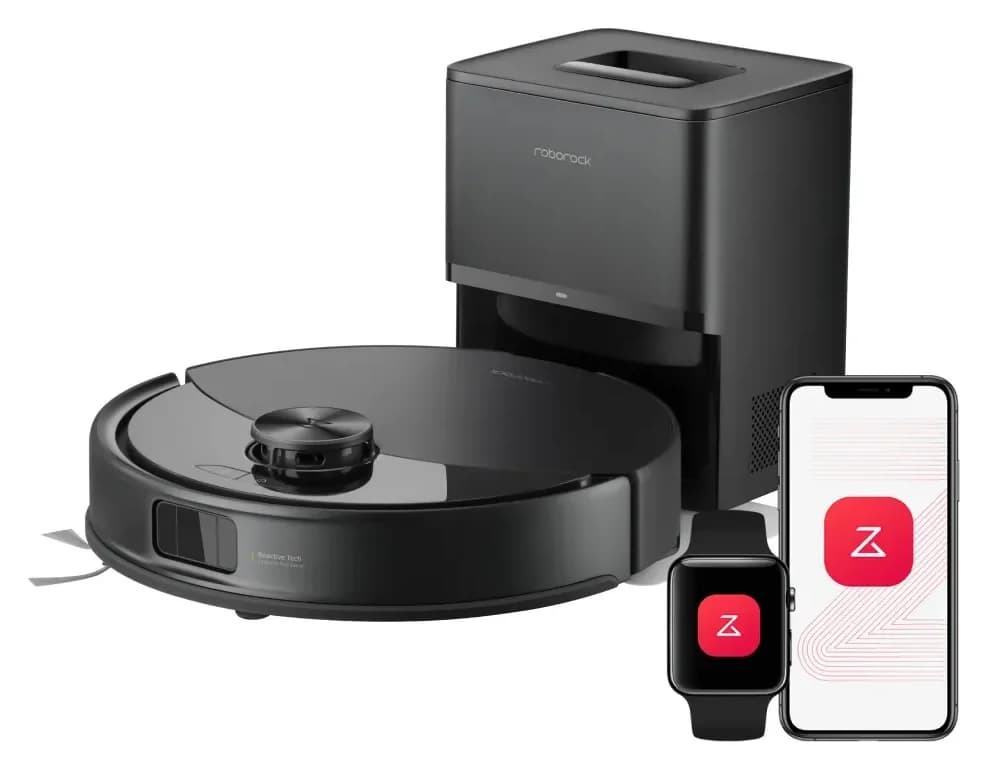
Roborock
Q10 S5+ Robot Vacuum and Mop with Auto-Empty Dock
- Robot height (maker)
- 99 mm
- Robot width
- 353 mm
- Suction (maker claim)
- 10,000 Pa
- Choose
- Our pick for vibrating mopping
- Check
- No camera-based obstacle recognition is documented; Reactive Tech is sensor-based
In the box: Robot, RockDock Plus dock, vibrating mop, power cord, user manual per the maker's page
Frequently asked questions
Is the Roborock Q10 S5 the same as the Q10 S5+?
Treat them as different purchases. Roborock lists a charging dock in the S5 box and an auto-empty dock in the S5+ box. Its S5 FAQ also says the base robot cannot auto-empty even on an S5+ dock. For automatic dust disposal, choose the complete S5+ package rather than planning a station upgrade.
What is the difference between the Q10 S5+ and X5+?
The useful distinction is the mop mechanism. The S5+ has VibraRise 2.0 vibrating mopping; the X5+ has an automatic lift mop module. Roborock publishes an 8 mm lift for both and includes an auto-empty dock with each. Choose the S5+ for vibration, or the X5+ when lifting meets your needs; neither choice removes manual mop care.
Can I buy the Q10 auto-empty dock separately later?
Roborock's S5 and X5 FAQs say their Plus docks are not sold separately and that the corresponding base robots cannot auto-empty on them. Charging on another dock does not establish full compatibility. If automatic dust disposal matters, buy the complete matching Plus package from the start; ask Roborock about a failed station replacement.
Does the Q10 S5+ or X5+ dock wash and dry the mop?
The documented Plus workflow is charging and dust emptying. The linked US manuals tell you to fill the robot's tank, dampen the cloth, and wash and air-dry it after use. Some base-model FAQ text mentions returning for mop washing, but that wording does not match the manual's care instructions. Plan for manual water and cloth handling.
Which replacement bags and mop pads fit these Q10 packages?
Roborock lists bag SKU RR-CDYCX0-Q5-06 for both Q10 S5+ and X5+. Mop cloths differ: RR-DQZDTBH-Talc-M02 is the S5/S5+ pack, while RR-TB2-Q10X5-M02 is the X5/X5+ pack. Match the full compatible-model list and SKU before ordering. A shared Q10 family name does not establish that the pads interchange.
Related guides
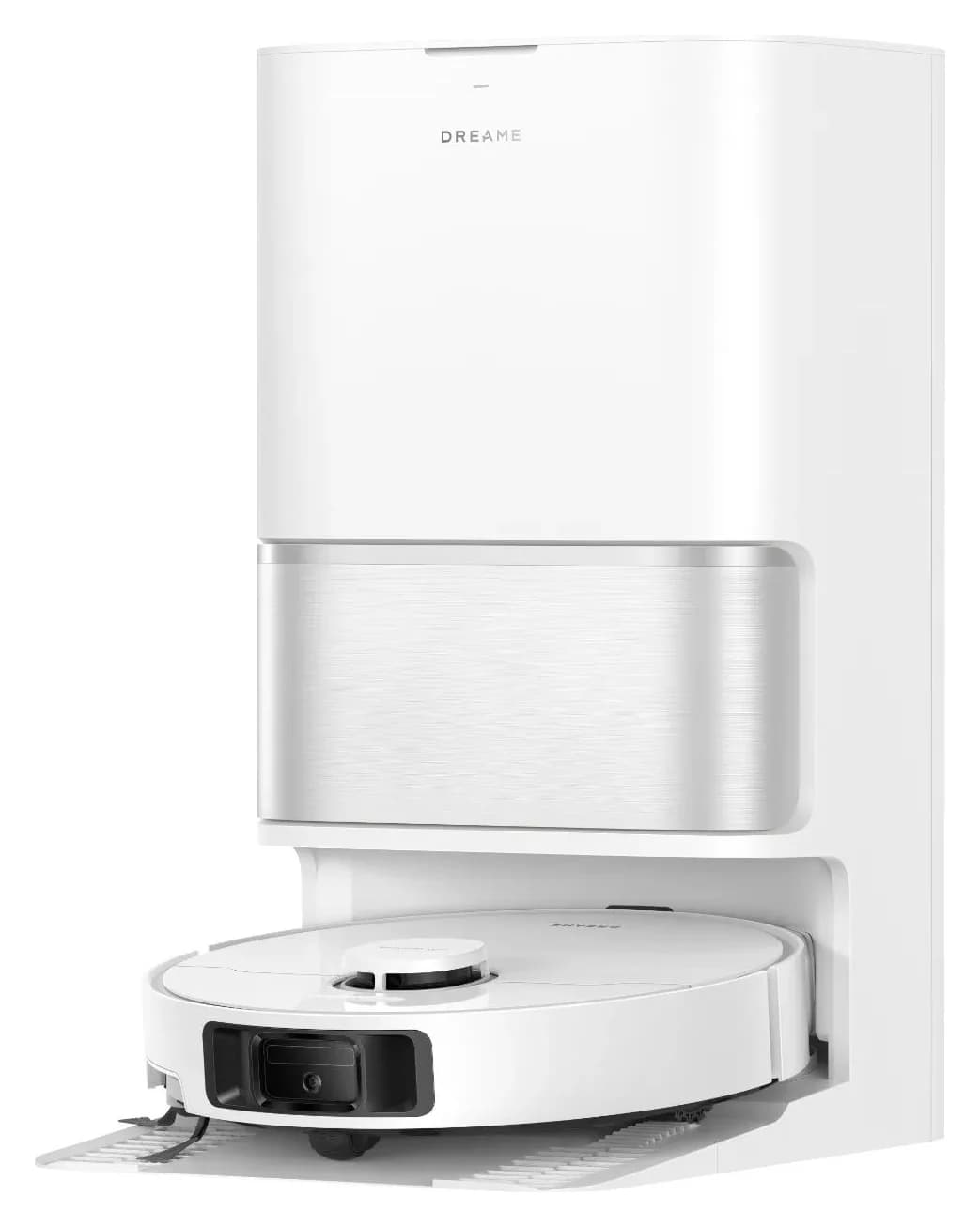
Explainer · Robot Vacuum & Mop Combos
Dreame L10s Ultra Generations: Which Robot and Dock Should You Buy?
Identify the exact Dreame L10s Ultra generation, compare its robot and dock, and match bags, filters and mops. Know when to choose a complete alternative.
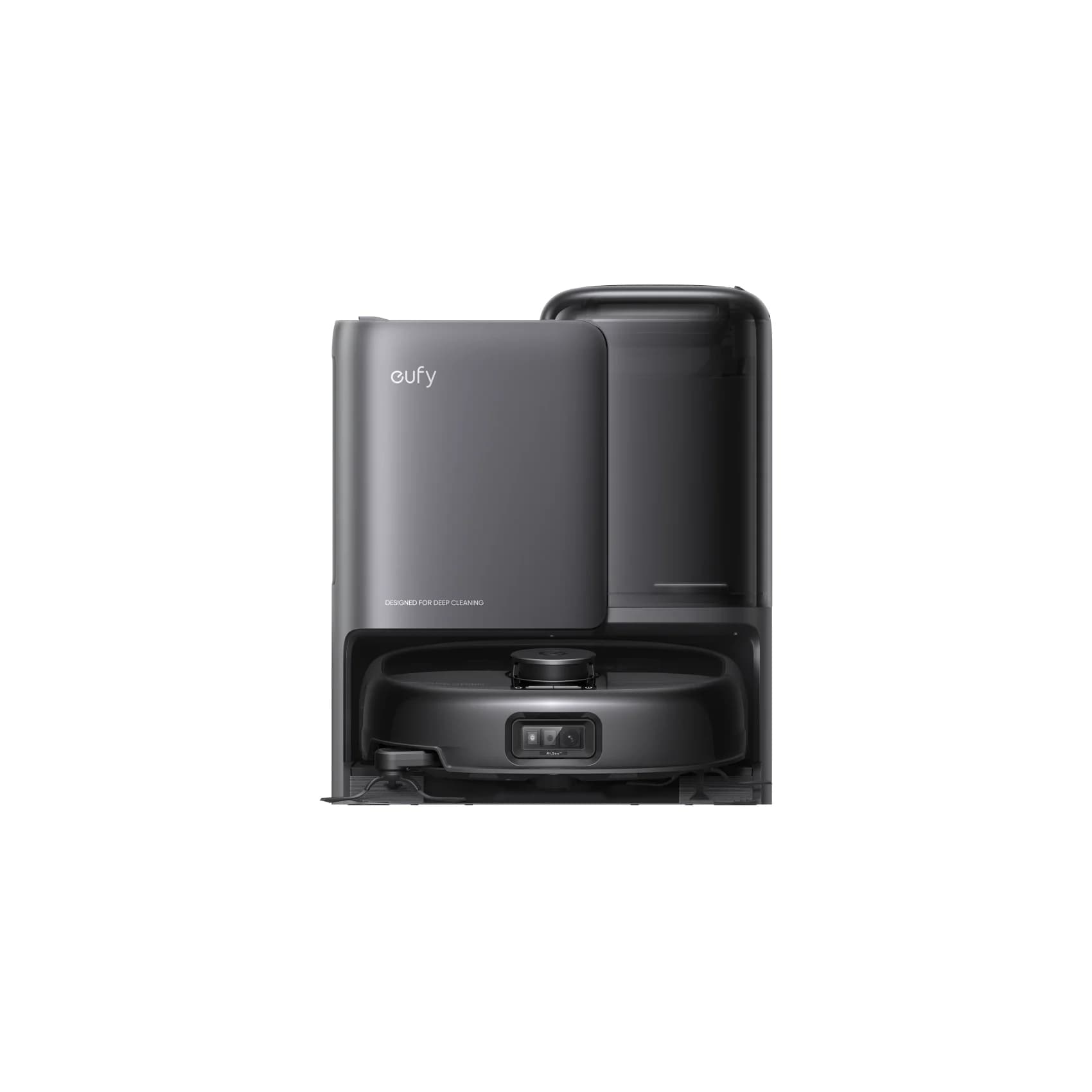
Best picks · Robot Vacuum & Mop Combos
Best Robot Mops for Tile Floors: Tile Finish, Grout and Dock Care
Choose a robot mop for tile with clear roller and spinning-pad picks, grout and stone checks, exact cleaner matches, rug limits and practical dock-care advice.
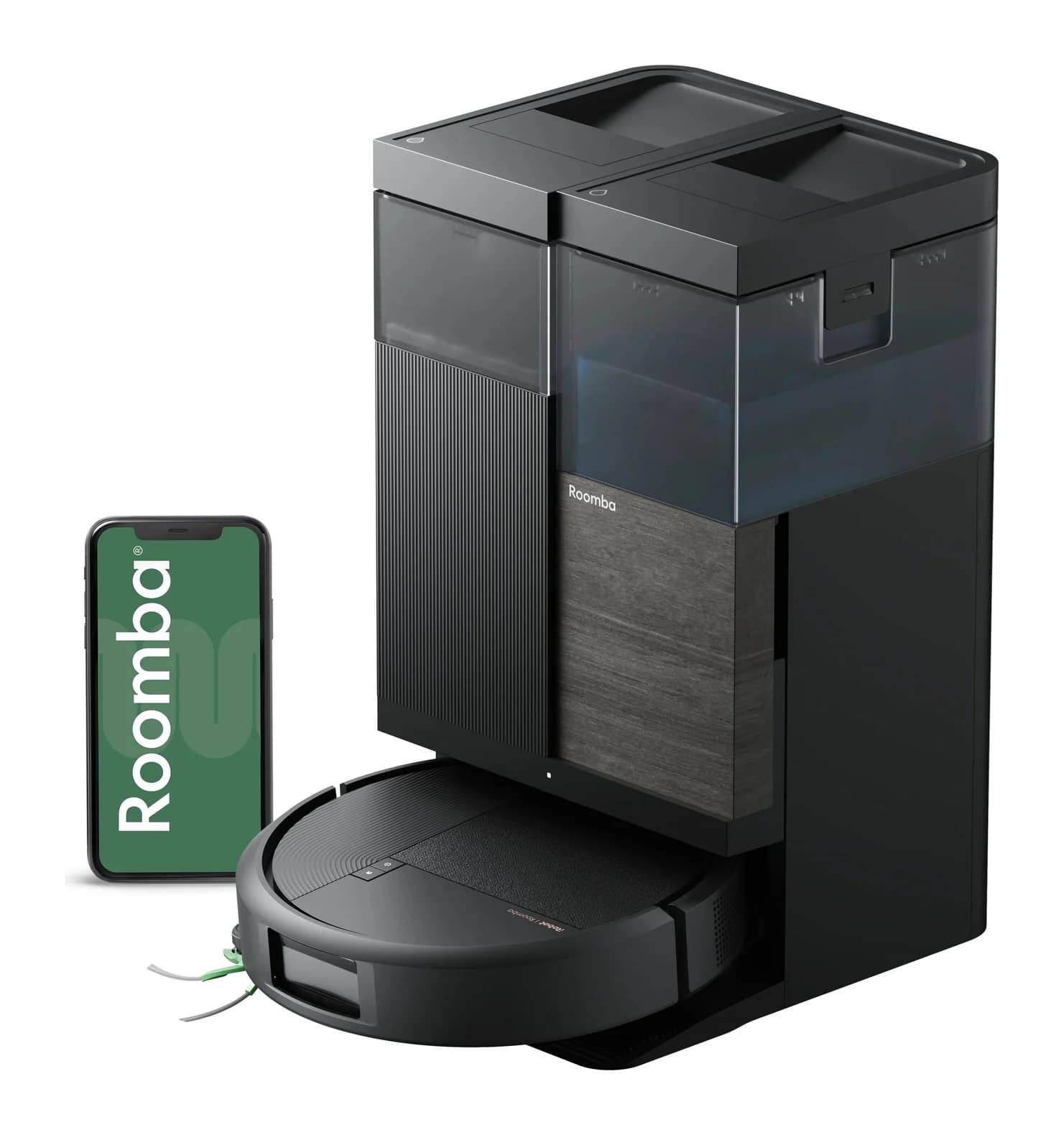
Best picks · Robot Vacuum & Mop Combos
Best Roomba Vacuum and Mop: Which Combo and AutoWash Kit Fits?
Choose the right Roomba vacuum and mop: compare Plus 515, Plus 575 and Max 775 kits, rug limits, dock servicing and exact replacement pads, filters and bags.